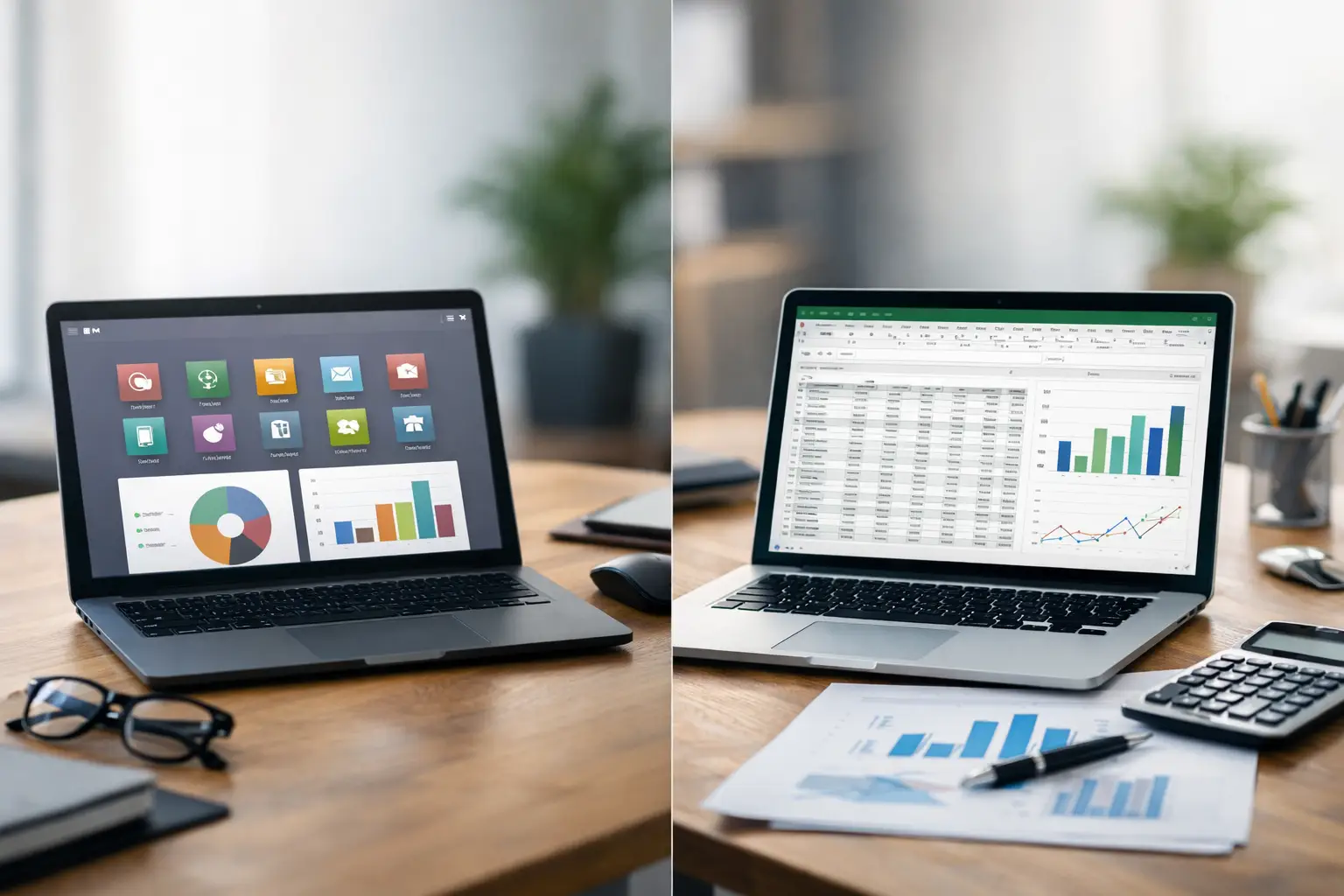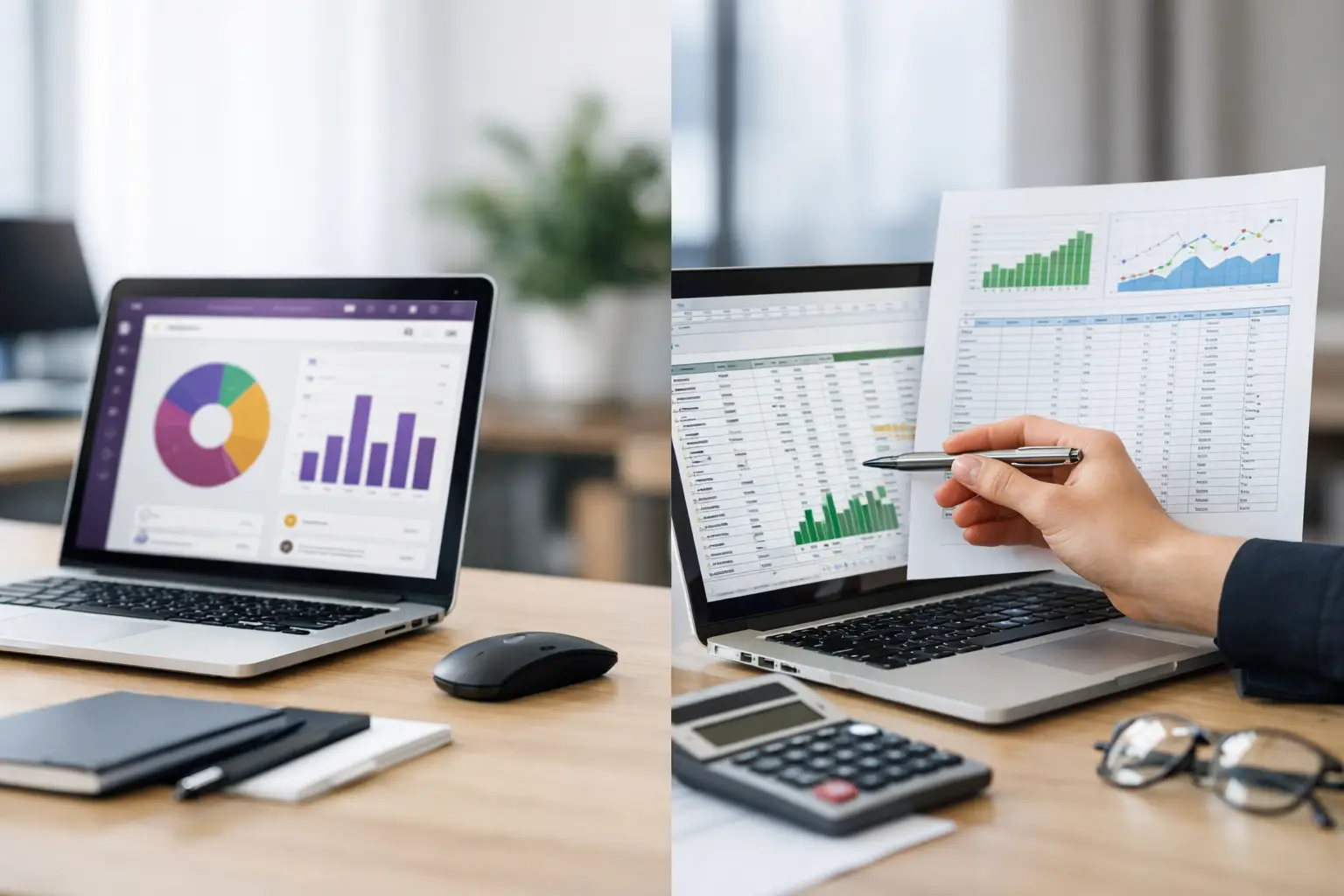
The operational bottleneck usually begins with a single, innocent spreadsheet created to track sales prospects or warehouse inventory. Within months, that standalone file multiplies into dozens of fragmented workbooks shared via emails and chat applications across Finance, Operations, HR, and Executive Leadership. At this tipping point, the strategic question shifts from "How do we fix this spreadsheet?" to: Odoo vs. Excel—which system will run enterprise operations without relying on manual data entry, version control chaos, and constant status updates?
Microsoft Excel is an exceptional tool for rapid ad-hoc calculations, temporary data modeling, and flexible financial projections. However, it was never engineered to operate as a central transactional ERP engine linking sales orders directly to real-time inventory adjustments, customer invoicing, payment collections, approval workflows, and executive reporting. Conversely, Odoo ERP consolidates these enterprise functions into a single relational database, enforcing role-based permissions, standardized workflows, and seamless organizational scalability.
Odoo vs. Excel: The Fundamental Architectural Difference
Comparing Odoo ERP to Microsoft Excel is not about determining which platform creates prettier charts or handles complex mathematical formulas faster. The fundamental distinction lies in operational governance. In Excel, data must be manually typed, cross-referenced, and reconciled across isolated files for each department. In contrast, Odoo processes business events through linked end-to-end workflows: a sales quotation seamlessly converts into a confirmed sales order, triggers a delivery order, generates a customer invoice, and schedules payment follow-ups—updating real-time inventory balances and general ledger accounts automatically based on pre-configured accounting rules.
This structural shift does not mean eliminating spreadsheets entirely. Even mature enterprises running Odoo ERP occasionally export data to Excel for specialized financial modeling, historical scenario analysis, or rapid ad-hoc reporting. The strategic goal is not replacing every spreadsheet, but removing mission-critical, multi-departmental operational workflows from un-audited, standalone files.
When Is Excel Still the Right Choice?
Excel remains an ideal solution for low-complexity processes, small team sizes, and manageable transaction volumes. It is highly practical for early-stage startups tracking initial expenses, product teams testing pricing models, or financial analysts modeling exported ERP data.
Its primary advantages are zero deployment friction and immediate low direct costs. A manager or accountant can build a customized tracking model within hours and modify formulas instantly without initiating an IT implementation project. This agility is invaluable during exploratory phases or for non-recurring business analyses.
However, this unrestrained flexibility becomes a severe operational liability when a spreadsheet becomes the sole foundation for daily execution. An accidental formula deletion, broken VLOOKUP, unrecorded row deletion, or mismatched file version can introduce financial errors that remain completely hidden until tax returns are rejected or warehouse stock suddenly runs out.
Operational Warning Signs That Excel Is Failing Your Business
If your team spends significant time asking for the "latest version" of a master sheet or manually matching sales receipts against physical stock counts, your operational stack has hit its limit. The same applies when executive reports require hours of copying and pasting data from multiple department sheets, or when customer profiles must be typed repeatedly into separate tools.
The need for an integrated ERP becomes urgent when business operations require formal approval hierarchies, multi-level access permissions, permanent audit trails, or native API integrations with e-commerce storefronts, POS terminals, shipping carriers, and biometric attendance devices. Excel records historical static outputs; it cannot execute automated transactional workflows or enforce data integrity across concurrent users.
When Does Odoo ERP Deliver Clear ROI?
Odoo ERP delivers high Return on Investment (ROI) when operational speed, data precision, and real-time visibility drive your company's competitive edge. In retail, wholesale, and distribution sectors, Odoo unifies sales channels, procurement routines, multi-warehouse stock tracking, and automated reorder rules. In professional services, it connects CRM opportunities directly to project milestones, timesheets, contracts, and automated billing schedules. In manufacturing, it enforces strict control over Bills of Materials (BOMs), work orders, scrap management, and cost accounting.
The true ROI lies in eliminating departmental friction. When sales teams close a deal in Odoo, warehouse personnel do not wait for email notifications to prepare dispatches, nor does accounting wait until month-end to know what needs invoicing. Every operational step advances automatically based on real-time transaction states and pre-set security roles.
Odoo also empowers leadership with real-time management dashboards. Instead of manually consolidating figures prior to executive meetings, executives can monitor key performance indicators (KPIs)—such as channel-by-channel sales revenue, inventory valuation, accounts receivable aging, gross margins, and project profitabilities—sourced directly from live operational data.
Evaluating Odoo Implementation Costs vs. Excel's Hidden Debt
Excel appears inexpensive because it comes bundled with standard office software and requires zero implementation overhead. However, its true cost must be evaluated through hidden operational friction: hundreds of hours spent on manual data entry and verification, delayed month-end financial closings, stockouts, uncollected receivables, and critical institutional knowledge lost when key employees leave.
Conversely, implementing Odoo ERP requires a real investment in business process engineering, software configuration, data migration, user training, and change management. Simply turning on software modules without proper planning will not solve operational problems. Organizations must carefully define workflows, clean legacy data, establish access permissions, migrate active records, and conduct thorough user acceptance testing (UAT) prior to go-live.
To ensure project success, enterprise leadership should execute a thorough operational GAP analysis beforehand. This diagnostic phase identifies which processes to standardize, which require custom module development, and which can be streamlined before system deployment.
Aligning Stakeholder Needs Beyond Technology Selection
Choosing between Odoo and Excel is an operational transformation strategy, not merely an IT decision. Chief Financial Officers (CFOs) prioritize precise general ledger postings, accelerated financial closes, and cash flow predictability. Chief Operating Officers (COOs) require full visibility into order statuses, inventory turns, and supply chain bottlenecks. Chief Information Officers (CIOs) focus on role-based security, API integrations, and data protection. General Managers need executive oversight to scale operations profitably. These requirements demand an aligned, cross-departmental workflow design.
For enterprises operating in Saudi Arabia, system requirements often extend to regional compliance and localized integrations, such as connecting with localized payment gateways, e-commerce platforms, shipping API providers, POS hardware, time-attendance devices, and ZATCA Phase 2 e-invoicing compliance mandates. Poorly designed external integrations risk creating new data silos, undermining the core benefits of ERP consolidation.
Partnering with a specialized ERP implementation firm ensures technical execution aligns with actual business practices. Global Solutions delivers end-to-end Odoo ERP implementation services—guiding organizations through GAP analysis, business process mapping, system configuration, custom development, API integration, data migration, user training, and post-implementation SLA support.
Practical Framework: Choosing Between Odoo and Excel
Begin by evaluating a single high-friction operational workflow, such as Order-to-Cash, Procure-to-Pay, or Inventory Reconciliations. Count how many manual data entry points exist, how many users edit the underlying files, and how long it takes to generate an accurate summary report. If the process depends on transferring information across disconnected spreadsheets, email threads, and phone calls, it is a primary candidate for Odoo automation.
Next, adopt a phased implementation roadmap rather than deploying every ERP module simultaneously. Focus first on high-impact core operations—such as Sales, Purchasing, Inventory, and Invoicing—before expanding into Accounting, HR, Project Management, or Manufacturing. A phased rollout mitigates operational risks and allows teams to adapt smoothly to standardized digital workflows.
Finally, establish strict data migration criteria. Avoid dumping legacy data into the new ERP. Prioritize active master records—such as verified customer files, vendor cards, product catalogs, opening balances, and pending orders—ensuring duplicate records are purged before loading data into Odoo.
Long-Term Success Depends on Change Management and Governance
Even the most advanced Odoo implementation requires internal process owners, continuous role-based user training, and structured post-go-live helpdesk support. If employees do not understand new system procedures or how exception handling works, they will naturally revert to working in side-spreadsheets, re-creating data fragmentation across the company.
Position Microsoft Excel as a secondary analytical tool rather than your enterprise's central operational engine. When multi-departmental business processes directly impact revenue recognition, stock accuracy, regulatory compliance, and strategic expansion, transitioning to Odoo ERP builds a reliable operational foundation for sustainable growth.