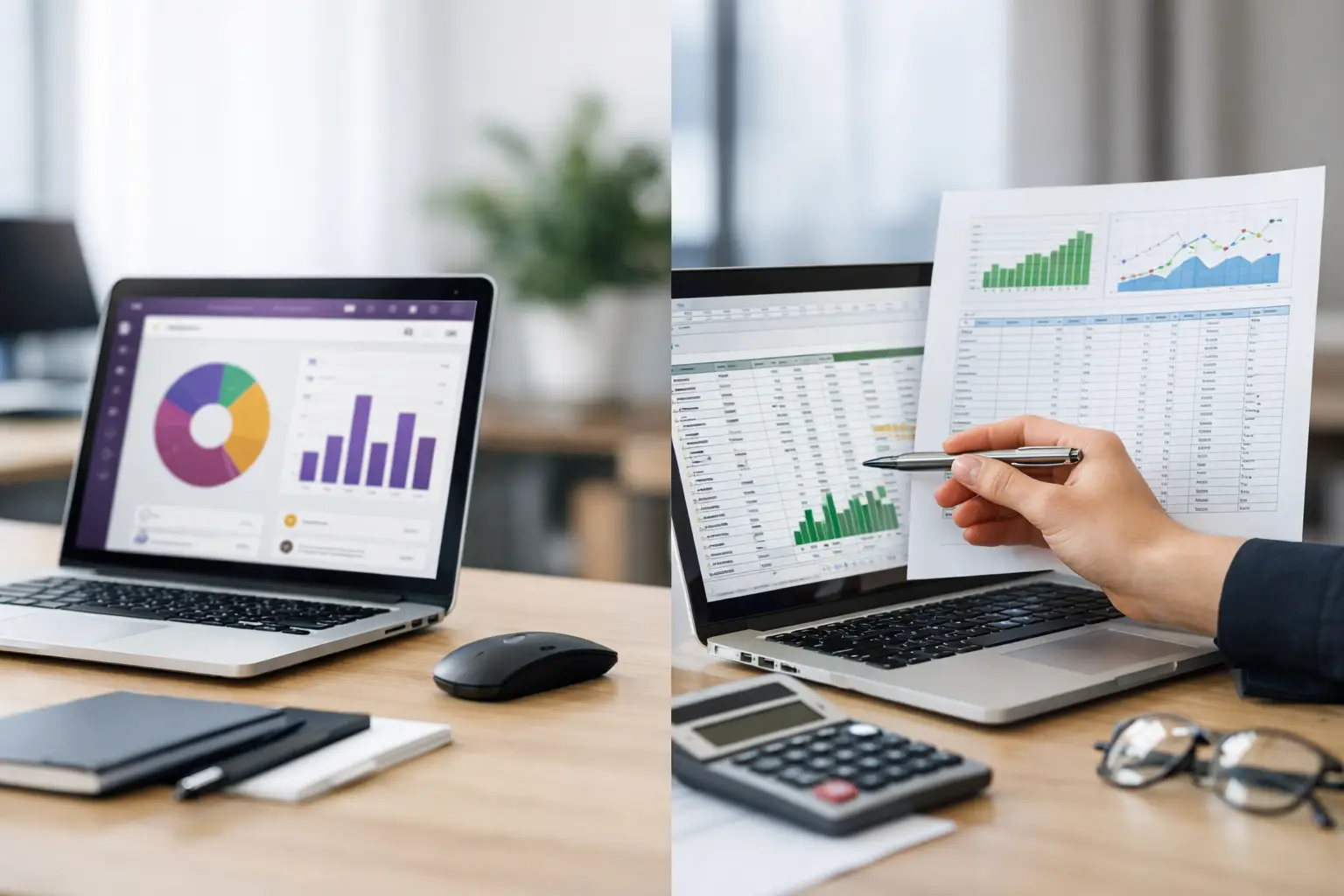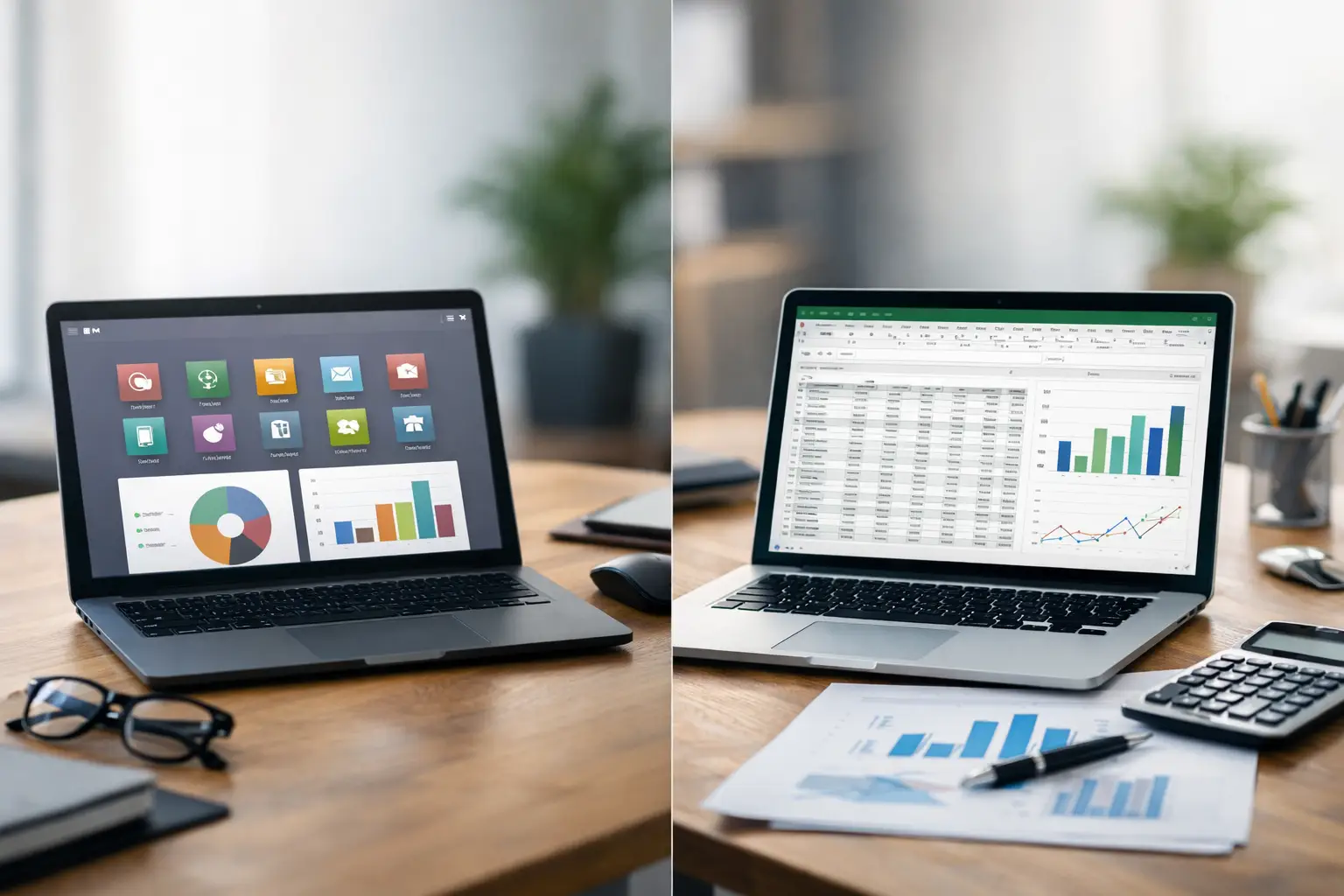
When sales managers inquire about product stock levels, finance directors request accounts receivable balances, and warehouse teams await the latest inventory spreadsheet, the underlying problem is rarely a lack of spreadsheet proficiency. The operational reality has simply outgrown a tool originally designed for static data organization. Consequently, comparing Odoo vs. Excel begins with a fundamental question: Can an enterprise rely on fragmented files to drive accurate, timely, and scalable operational decisions?
Excel remains an excellent tool for initial business modeling, ad-hoc data analysis, and small-scale tasks. However, it cannot replace an Enterprise Resource Planning (ERP) system that connects sales, procurement, inventory, financial accounting, and human resources within a single database architecture. Odoo provides a unified operational baseline, managing transactions from a single source of truth—complete with granular access permissions, full audit trails, and automated workflows tailored to your operational lifecycle.
Odoo vs. Excel: An Operational Perspective
Selecting between tools is not a matter of software popularity; it is a strategic decision regarding the cost of operational control. In a small sole proprietorship, a well-structured spreadsheet managed by one individual may suffice. However, every added department, regional branch, or sales channel increases the probability of data discrepancies and reporting delays.
With spreadsheet management, data is manually copied between separate files for sales, purchasing, inventory, and accounting. While this may function with low transaction volumes, business growth turns manual entry into a continuous bottleneck. Teams spend valuable time validating version histories and fixing broken formulas rather than serving clients or planning strategic expansion.
In contrast, Odoo generates data natively from live operational workflows. Confirming a sales order immediately updates delivery schedules, customer invoices, and accounts receivable entries based on your business rules. Receiving vendor shipments automatically updates warehouse stock balances, triggering financial journal entries and approval gates. This architecture delivers clearer operational accountability and eliminates manual copy-pasting.
Where Excel Serves Businesses Effectively
Excel excels at preliminary budgeting, scenario modeling, temporary data aggregation, and one-off analytical calculations. It remains a valuable supplementary tool alongside Odoo for specialized reporting requiring custom offline manipulation. There is no need to eliminate spreadsheets entirely; rather, the goal is positioning them appropriately within your software stack.
Relying on Excel makes sense when business lifecycles are brief and simple, and when operations do not require detailed tracking of multi-tier approvals, multi-warehouse stock movements, or project-based profitability. It can also serve as a temporary workaround when transaction volume is low enough for a single process owner to audit entries manually without operational delay.
However, Excel becomes a drain on business productivity when familiar warning signs appear: multiple conflicting versions of the same file, manual stock adjustments after sales validation, unlinked vendor invoices, missing audit logs for numerical edits, or monthly financial closings that require days of manual reconciliation. These symptoms indicate that your business has outgrown spreadsheet management and requires a unified ERP system.
Enterprise Data: Multiple Disconnected Spreadsheets vs. Single Source of Truth
The core distinction between a standalone spreadsheet and an ERP platform is data centralization. In Excel-driven environments, each department maintains its own files: sales teams track pipeline logs, warehouse staff manage stock counts, and finance records invoices. Even if these files share an initial baseline, they inevitably diverge as manual edits occur independently.
Odoo enables teams to operate within their specific functional domains while sharing a single database. Sales reps confirm quotes based on live stock levels, warehouse teams execute picking orders, accounting manages invoicing and collections, and executive leadership accesses real-time performance dashboards. Granular access security prevents unauthorized modifications, eliminating the risks associated with shared password-protected spreadsheets.
This single source of truth is critical for enterprises managing multiple branches, regional warehouses, or field sales teams. Delayed visibility into stock availability or collection status can lead to unfulfillable sales promises or misinformed procurement decisions.
Inventory, Sales, and Accounting: The Power of System Integration
Managing inventory in Excel relies entirely on human discipline. Every receipt, delivery, return, internal transfer, and audit adjustment must be logged manually in real time. A single delayed entry or spreadsheet formula error distorts stock balances. As catalog sizes grow, tracking serial numbers, batch expiration dates, specific storage locations, or landed costs becomes increasingly prone to error.
In Odoo, products link directly to warehouses, stock locations, automated reordering rules, and dynamic pricing matrices—updating inventory levels via verified operational moves. While software alone cannot eliminate human error, Odoo provides built-in audit trails and exception workflows to detect and resolve discrepancies promptly.
Similarly, Odoo integrates sales orders directly with financial accounting. Excel can summarize sales figures, but it cannot enforce linkage between sales orders, delivery receipts, customer invoices, and payment reconciliations. A unified ERP system enforces document traceability, improving financial reporting accuracy and streamlining month-end closings.
Reporting Timelines and Executive Decision-Making
An Excel dashboard may look visually appealing, but its accuracy depends entirely on manual refresh times and formula integrity. If compiling monthly executive reports requires pulling separate files from multiple departments, leadership makes strategic decisions using outdated operational data.
Odoo eliminates reporting bottlenecks by providing direct access to operational metrics. Leadership can track sales by channel, inventory turnover rates, outstanding invoice statuses, project profit margins, and departmental productivity through live system dashboards. Management decisions are based on real-time transactional data rather than end-of-month manual consolidations.
However, report accuracy requires structured implementation. Organizations must define clear KPI parameters, enforce data entry discipline, and establish standardized business workflows. Deploying an ERP system without operational discipline simply shifts unorganized data from spreadsheets to software screens.
Evaluating Total Cost of Ownership: Software Subscriptions vs. Hidden Operational Hours
Excel often appears cost-effective because software licenses are already available. However, total cost of ownership (TCO) includes hidden operational expenses: employee hours spent on repetitive data entry, cross-departmental reconciliations, error corrections, and manual report generation. Furthermore, unrecorded inventory shrinkage, pricing mistakes, or delayed collections frequently exceed the cost of an ERP implementation.
Implementing Odoo requires upfront investment in business process analysis, functional configuration, data migration, user training, and ongoing technical support. Custom development or third-party API integrations may also be required for point-of-sale (POS) systems, e-commerce stores, logistics carriers, biometric devices, or payment gateways. Successful deployments begin with a thorough GAP analysis to streamline workflows before automation.
A fair cost comparison evaluates saved labor hours, reduced operational errors, and captured sales opportunities against the cost of building a scalable enterprise platform. Growing organizations with interconnected business processes benefit significantly from establishing unified system controls early.
When Is the Right Time to Migrate to Odoo?
Migrating to Odoo becomes essential when an organization manages multiple departments or physical locations on disconnected spreadsheets, experiences recurring inventory or billing errors, or faces reporting delays that impede executive decision-making. It is also necessary when operations require role-based permissions, formal approval hierarchies, audit trails, or third-party system integrations.
Rather than attempting a full system rollout simultaneously, organizations should prioritize workflows that carry the highest operational risk or cost. Most enterprises begin Phase 1 with Sales, Inventory, and Accounting, expanding in subsequent phases to Purchasing, HR, Project Management, or Manufacturing. This phased approach maintains operational continuity and supports smooth user adoption.
Choosing an experienced implementation partner is as important as selecting the ERP software itself. Organizations require a structured process encompassing GAP analysis, clean data migration, custom module customization and integration, role-based user training, and post-launch functional support. Global Solutions delivers end-to-end Odoo implementations tailored to your actual business workflows.
The goal is not to eliminate Excel entirely, but to stop using it as a primary operational system. Retain Excel for flexible offline analysis, and establish Odoo as your central enterprise system for accurate, collaborative, and accountable business growth. A practical first step is auditing a single transaction lifecycle—from customer order to cash collection—to identify manual bottlenecks that belong in a unified ERP system.