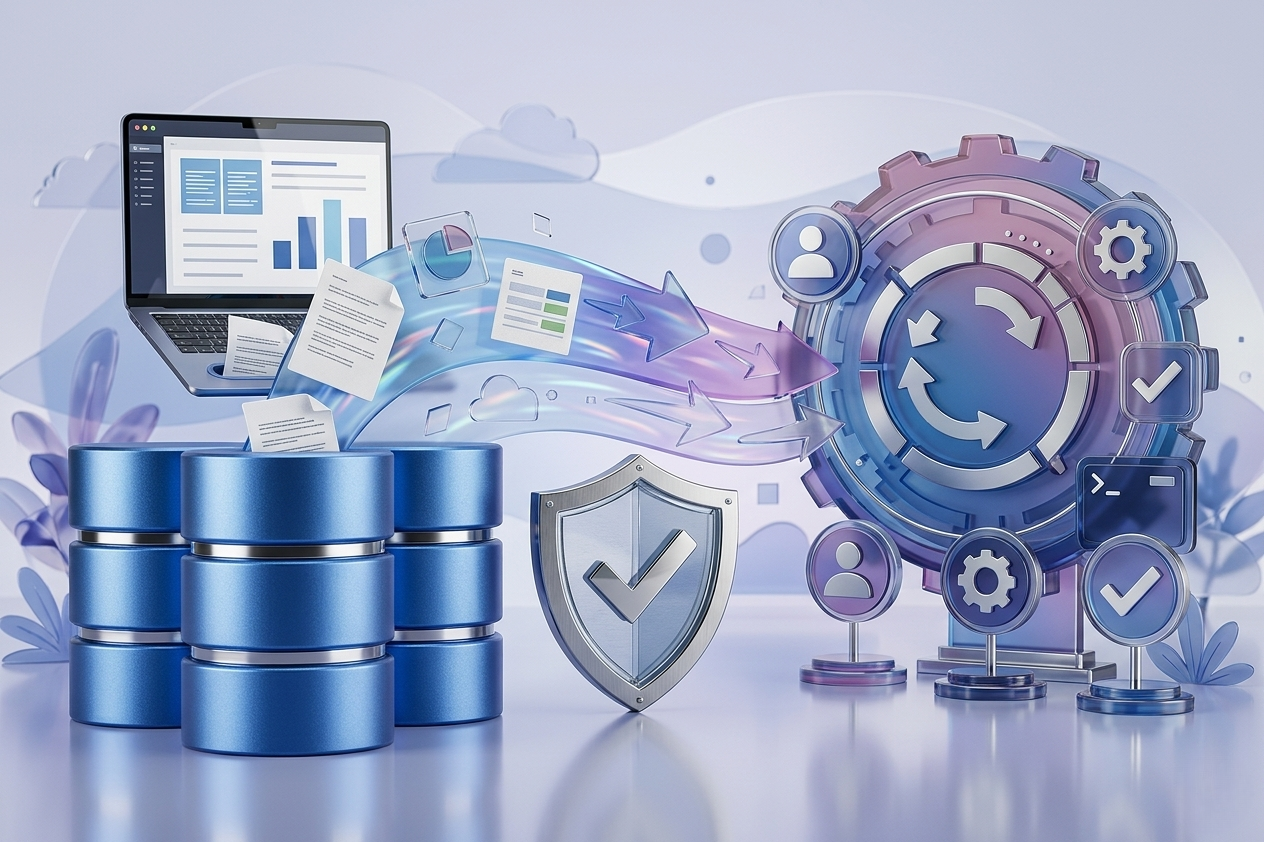
When sales, accounting, inventory, and HR rely on Odoo within a single operational cycle, upgrading becomes an operational decision, not just a technical one. This is why this Odoo upgrade guide approaches the transition from a clear perspective: how to move to a newer version with the minimal possible impact on operations, and without surprises in data, integrations, or user experience.
When an Upgrade is a Necessity, Not an Optional Enhancement
Some companies delay upgrading because the current system is still working. This is understandable, but it is not always a low-risk decision. The longer you delay, the wider the gap becomes between your customizations and the target version, complicating integration management and driving up the subsequent costs of testing and training.
An upgrade becomes a priority when performance starts to degrade, new compliance requirements emerge, features unavailable in the current version are needed, or day-to-day maintenance becomes exhausting due to an excessive amount of manual workarounds. In environments that depend on integrations with e-commerce stores, shipping carriers, POS devices, payment gateways, or regulatory mandates like electronic invoicing, staying on an outdated version can restrict business continuity more than it protects it.
A Seamless Odoo Upgrade Starts with a Gap Analysis
The most common mistake is treating an upgrade as if it were a simple database migration. In practice, a successful upgrade begins with a clear gap analysis between the current state and the target state. What will change in the processes? Which standard modules have evolved to the point that they no longer require custom development? Which customizations must be rebuilt? And which integrations will be affected?
At this stage, compiling a inventory list of module names is not enough. A comprehensive operational review is required, covering the order-to-cash cycle, procurement, inventory, financial closing, payroll, projects, and the workflows connecting various departments. This analysis determines whether the upgrade will be a straightforward technical shift, or an opportunity to restructure and optimize workflows.
This decision carries significant weight. Sometimes keeping all customizations seems faster on paper, but it leaves you with higher complexity after the upgrade. In other scenarios, adjusting a few internal procedures is easier and less costly than completely rebuilding custom logic on the new version.
What "Zero Downtime" Actually Means in Practice
The phrase "zero downtime" rarely implies the absolute absence of any maintenance window. Instead, it means that critical operations are not disruptively interrupted for users or customers. In corporate environments, the realistic goal is to reduce operational downtime to the absolute minimum, isolating technical migration tasks from peak hours, and preparing a clear rollback path if an unexpected error occurs.
There is a difference between a complete system outage and a calculated, limited freeze on specific processes. For instance, sales might be permitted to continue through an active front-end channel, while certain back-end postings or final synchronizations are delayed to a short window outside of business hours. Choosing the correct strategy depends on operational volume, the number of branches, and the sensitivity of real-time financial reporting.
The Proper Architecture for a Phased Upgrade
A safe upgrade is never executed directly on the production environment. The standard professional roadmap begins with a staging environment that mirrors production as closely as possible, followed by a user acceptance testing (UAT) environment, and finally a dry run simulating deployment day. These environments are not a luxury; they are the first line of defense against unforeseen system failures.
In the staging environment, database migration and standard modules are tested. Following this comes the customization layer, where code is modified or rebuilt according to the framework changes in the new release. Then, integrations are tested one by one: the e-commerce store, payment gateways, links with shipping systems, biometric attendance devices, points of sale, or any external services tied to Odoo.
The key here is prioritizing. Not everything carries the same operational weight. A disruption in sales, invoicing, or financial postings is far more critical than a delay in a non-operational analytical report. Therefore, operations must be classified into critical, high-priority, and supporting categories, with testing allocated accordingly.
Data is the Decisive Factor
Many upgrade projects succeed technically but fail operationally due to data quality. If you have duplicate records, unbalanced accounts, or products with non-standardized naming conventions, the new version will not automatically resolve these issues. In fact, it might expose them more clearly and magnify their impact.
Before migration, master data such as customers, vendors, products, accounts, cost centers, warehouses, and access permissions must be thoroughly reviewed. You must also determine what will be fully migrated, what will be archived, and what requires cleansing or merging.
A sensitive point arises here: migrating the entire historical ledger is not always the best path. In some organizations, it is more practical to migrate opening balances, open documents, and necessary operational records, while leaving the full history in an archival environment for reference when needed. This choice depends on legal requirements, reporting needs, and the cost of complexity.
Customizations and Integrations: Where Real Risks Rest
The heavier the reliance on custom development, the more critical it is to review the upgrade's impact on business logic. Some customizations are simple, such as adding fields or reports. Others touch the core of operations, like pricing rules, approval workflows, maintenance cycles, or connections with external platforms. The latter requires deep, detailed scrutiny rather than surface-level testing.
The practical rule here is clear: any integration affecting a financial transaction, inventory movement, or customer experience must undergo end-to-end scenario testing. Sending an order from the store to Odoo, confirming the payment, updating the shipment, and issuing the invoice is not a sequence where components can only be tested in isolation. Flaws usually emerge at the connection points between these stages.
Specifically in the Saudi market, compliance and regulatory integration requirements must be given top priority. Any shift in invoice behavior, taxation, or document formatting must be rigorously reviewed prior to launch, as an error here extends beyond the system to legal compliance.
The Deployment Blueprint for Upgrade Night
If you reach this stage without a written operational plan, you are only halfway through. Actual execution requires an hour-by-hour timeline, clear roles, and pre-determined decision points. Who halts modifications? Who takes the final backup? Who validates data balances? Who authorizes opening the system to users?
A solid execution plan involves a verified backup, a strategic freeze on changes, the final migration of required data, rapid post-launch acceptance testing, and intense monitoring during the first operational cycle. It is not enough for the system to open and the login screen to work. You must verify that orders are generated, inventory movements post correctly, accounting entries are sound, and user permissions remain intact.
More importantly, a functional rollback plan must be in place. Many write it as a formality without testing it. If a critical component fails after launch, how long does a rollback take? Will data entered during that brief window be lost? Does the team know exactly when to pull the plug instead of troubleshooting under time pressure? These questions must be resolved before execution, not during it.
Business Testing Outweighs Technical Testing
From a management perspective, upgrade success is not measured by closed bug tickets, but by the teams' ability to perform their duties from day one. Therefore, process owners themselves must participate in testing: finance, procurement, warehousing, sales, HR, and project management, depending on the system's scope.
Good business testing does not rely on just reviewing screens. It demands actual scenarios representing a workday: a quotation transforming into a sales order, then a delivery, an invoice, a collection, and finally reflecting upon financial reports. Or a purchase requisition passing through approvals and affecting inventory and costing. These flows uncover issues that isolated testing misses.
Clear acceptance criteria must also be adopted. What is acceptable before launch, and what can be postponed to post-launch? Not all observations halt operations, but ignoring critical defects for the sake of time is the direct cause of many post-upgrade failures.
Post-Launch Training and Support are Part of the Upgrade
Even when processes themselves are stable, users can be disoriented by changes in interfaces, step sequences, or permissions. Therefore, training should not be entirely postponed until after the launch. The best approach is concise, role-specific training, followed by direct on-site support during the initial days.
This is particularly vital if the upgrade introduces process improvements rather than just a version update. A user who understands why steps changed adopts the system faster than a user who was simply told to do the same thing differently. This highlights the value of an implementation partner who bridges functional and technical understanding, delivering the upgrade as a complete operational transition rather than a mere infrastructure task.
In projects requiring high sensitivity regarding integrations, compliance, and business continuity, many enterprises choose to work with an implementation partner possessing practical experience in complex Odoo environments, such as Global Solutions. The value of an upgrade is not measured by execution speed alone, but by your ability to continue operating with confidence after it goes live.
The Odoo Upgrade Guide in the Real World
To summarize the concept in the most practical terms, a successful upgrade rests on five interconnected elements: an accurate gap analysis, calculated data cleansing, comprehensive integration testing, clear execution and rollback plans, and intense post-launch support. Neglecting any of these components might not stop the upgrade, but it usually prevents you from capitalizing on it.
The smartest decision is not reaching the latest version in the shortest time, but transitioning to a version that genuinely serves your operations, with a setup tailored to your business volume, disciplined customizations, stable integrations, and a team that knows how to execute from day one. When managed with this mindset, an upgrade becomes a step toward minimizing risks, not creating new ones.
The core idea worth remembering is this: do not treat an Odoo upgrade as a technical project with a hard deadline. Treat it as a business continuity decision that requires proper design, realistic testing, and a partner who stands by you long after the launch moment.