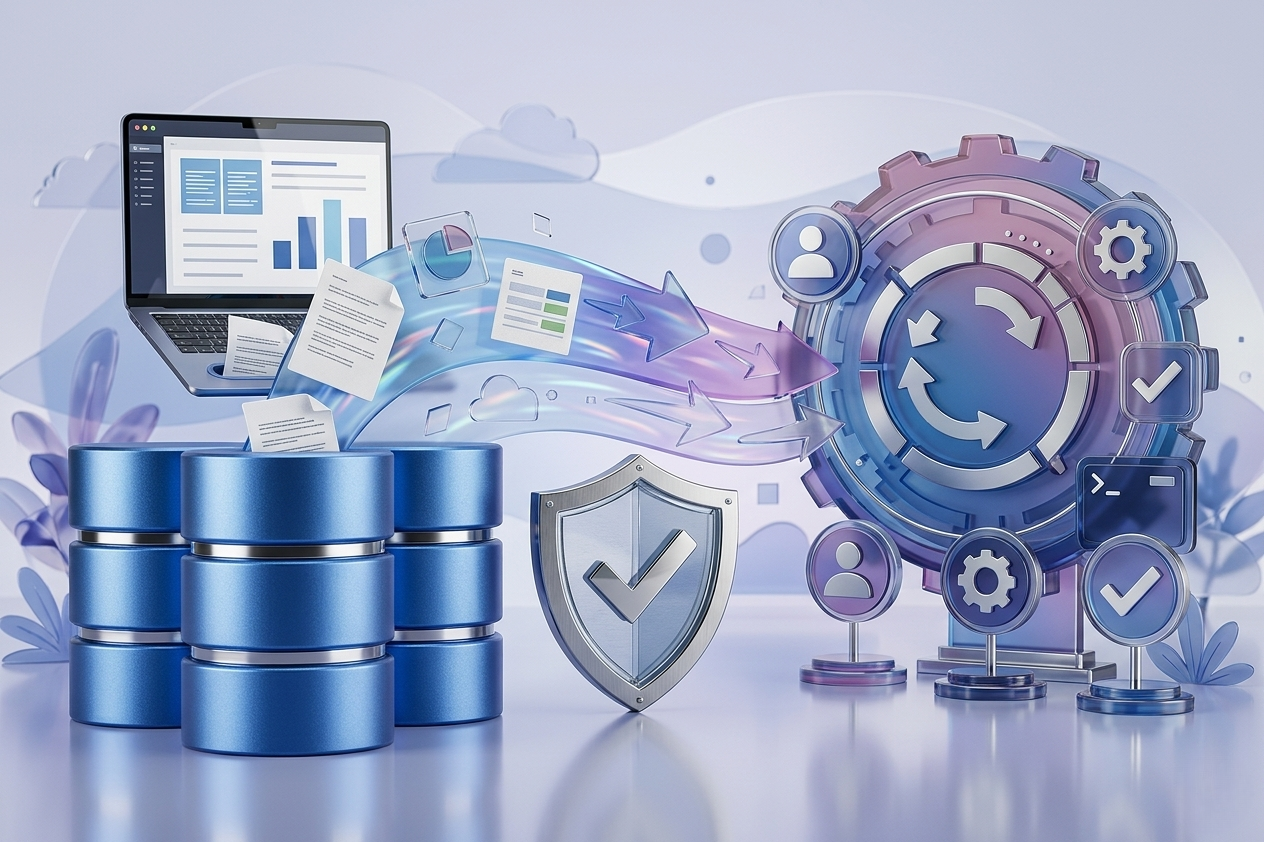
The biggest mistake in ERP projects is not just choosing the system, but assuming that migrating data to it is a simple technical step. In reality, many setbacks begin when customer, inventory, account, or employee data is transferred to Odoo in an uncontrolled manner, resulting in balance discrepancies, duplicate records, or reports that cannot be trusted from day one.
For this reason, migrating data to Odoo safely is not just about uploading Excel files into the system, but an execution path that should be linked to scope, processes, integrations, permissions, and launch timing. The larger the organization or the more departments, branches, or sales channels it manages, the more important this path becomes.
What Does Migrating Data to Odoo Safely Actually Mean?
It’s not just about transferring data without loss, but transferring it in a way that makes it usable and reliable. Safety has multiple dimensions. There is technical security related to file protection, access, and permissions, operational security related to data correctness within daily processes, and financial and compliance security related to reconciliations, tracking, and auditing.
If customer data is transferred with duplicate names or inconsistent payment terms, the problem isn’t just with the record itself but with its effect on collections, approvals, and aging reports. If item data is transferred with incompatible units of measure, errors may appear in purchasing, manufacturing, or inventory. Therefore, migration success is measured not by the number of records moved, but by the correctness of their use after go-live.
When Does Migration Become High-Risk?
Risks usually increase when the organization deals with multiple data sources simultaneously, such as a separate accounting system, operational Excel files, POS system, e-commerce store, or separate HR system. In these cases, the problem is not just the transfer itself but unifying references between different systems.
Risks also increase when the project is linked to live integrations, such as payment gateways, shipping companies, attendance systems, or regulatory requirements. Here, any error in core data may extend beyond Odoo and affect invoices, deliveries, or regulatory reports.
Before Migration – Determine What Should Be Migrated
Not all legacy data is worth transferring. Many organizations assume that everything in the old system should appear in Odoo, only to later discover they overloaded the system with unused records, incomplete data, or historical data that doesn’t serve the new operational stage.
The right decision starts with classifying data. Core essential data includes customers, vendors, items, accounts, employees, and cost centers depending on project scope. Operational data to maintain continuity may include unpaid invoices, open sales orders, or inventory balances. Historical data from previous years depends on reporting, auditing, and compliance requirements, not the desire to keep everything in the new system.
This decision should be made early during the initial project analysis, as the volume and scope of data directly affect the timeline, test scenarios, and even configuration design.
Data Cleansing is Not Secondary
Most projects that face post-launch issues are those that treated data cleansing as a deferred phase. The reality is that Odoo will not automatically fix problems accumulated over years in the previous system. Duplicate customer names, inconsistent phone numbers, or misaligned accounts will transfer as-is unless addressed before loading.
Data cleansing includes removing duplicates, standardizing formats, addressing missing fields, reviewing record relationships, and confirming internal ownership of each dataset. In multi-department projects, leaving this task to IT alone is a mistake. Finance reviews balances and account structure, operations review items and units, HR reviews employee records, and sales review customers and terms. This is not just a technical task, but a shared responsibility linked to operational accuracy.
Mapping is More Important Than Import Files
Migration success depends on a clear mapping between the old system and Odoo. Each field must have a defined source, destination, rules, and expected exceptions. Without this map, importing becomes a repetitive trial-and-error process.
A good mapping answers very practical questions: Will some fields be merged into one? Will a unified reference for items be created? How will incomplete records be managed? What default values are acceptable? Which records should be held back to avoid incomplete data? These small details protect the project from post-launch chaos.
Test Migration Like You Test Operations
One common mistake is performing a single trial migration and then going straight to go-live. It’s better to conduct multiple trial migrations, measure results of each, and review discrepancies. The goal is not just to ensure files upload but that daily operations function correctly after migration.
Actual scenarios should be tested within Odoo after each trial migration. Can the sales team create quotes based on transferred customer data? Are inventory balances correct during warehouse transfers? Do receivable balances match reference records? Are financial and operational reports logical? Linking migration to operations gives a more accurate assessment of quality than just counting records.
Permissions and File Security Are Part of Safety
Focusing on accuracy alone is not enough when migrating data to Odoo. Many organizations neglect governance during migration. Files containing sensitive payroll, customer, pricing, or financial data may be shared via email, personal devices, or shared spaces without clear controls.
Proper practice includes restricting access to migration files, defining upload, review, and approval responsibilities, documenting approved file versions, and preventing working on multiple non-reference copies simultaneously. User permissions should also be configured in Odoo from the testing environment, as loading correct data with overly open access creates another type of risk.
Don’t Separate Migration from Integrations
In many projects, Odoo data appears correct during internal testing, but problems arise after connecting with e-commerce stores, POS systems, or shipping companies. The reason is that migration was performed in isolation from the full operational context.
If the organization relies on external integrations, transferred data should be tested across these channels as well. Item codes, units of measure, taxes, pricing policies, and customer status may all be correct internally but require precise alignment with connected systems. This highlights the value of a partner who views migration as part of end-to-end implementation, including setup, integration, and operational readiness.
Launch Timing Determines Risk Level
Some organizations choose launch dates based solely on team availability rather than the operational cycle. This is costly. Migrating during a busy financial month, sales season, inventory count, or payroll period leaves little margin for error.
It’s better to select an operational window allowing clear closure of old system data, final migration, acceptance checks, and start of actual usage without overlapping partially functioning systems. Phased deployment may be suitable for large projects, while parallel operations can create confusion. The decision depends on process complexity, number of teams, and critical integrations.
How Do You Know the Migration Was Successful?
Success does not mean zero errors, which is rare in large projects. The key is that remaining errors are limited, known, non-disruptive, and have fast correction mechanisms. Clear acceptance criteria before go-live should include matching main balances, verifying selected critical samples, and ensuring completeness of core entities.
Post-launch, early days and weeks should be monitored carefully. Continuous support is crucial, as some issues only surface with daily use. A project team linking migration, setup, training, and support reduces response time and prevents minor issues from escalating. Many organizations rely on experienced partners for migration, integrations, and post-go-live support, such as Global Solutions, especially when the requirement is more than simply moving records from one system to another.
When Should You Engage a Specialized Partner Instead of Managing Migration Internally?
If data scope is limited, operations are simple, and there are no complex integrations or financial requirements, the internal team may handle most tasks. But for multi-department projects, customizations, external platform integrations, or compliance and reporting needs, a specialized execution methodology becomes a practical option to reduce risks, not just an extra cost.
The value is not just in uploading files but in organizing decisions from the start: what to migrate, how to clean it, how to test it, who approves, and what happens post-go-live. These decisions make a real difference between an organized migration to Odoo and a start filled with corrections and manual workarounds.
If you are preparing for an Odoo project, ask the right question early: do we want just to transfer data, or do we want an operational environment we can trust from day one? This question alone changes the entire planning approach.