For many retail businesses, operational challenges do not begin during the first sale of the day, but at closing time. A branch sells an item that is out of stock, a cashier spends hours manually balancing cash tills, and the finance team waits on fragmented sales spreadsheets before posting daily journals. The Odoo POS integration guide goes beyond simply operating a checkout screen—it provides a practical framework for connecting physical point-of-sale transactions with inventory, accounting, CRM, and multi-branch management within a unified ecosystem tailored to your operational lifecycle.
For multi-branch retail chains, restaurants, and wholesale distributors selling directly to end consumers, the POS system serves as a critical operational and financial data gateway. Misconfigured tax rules, payment methods, or stock moves inevitably surface later as report variances and inventory discrepancies. Consequently, POS integration must be executed as part of an end-to-end Odoo implementation—starting with operational GAP analysis and concluding with role-based training and post-launch support.
What Does Odoo POS Integration Connect?
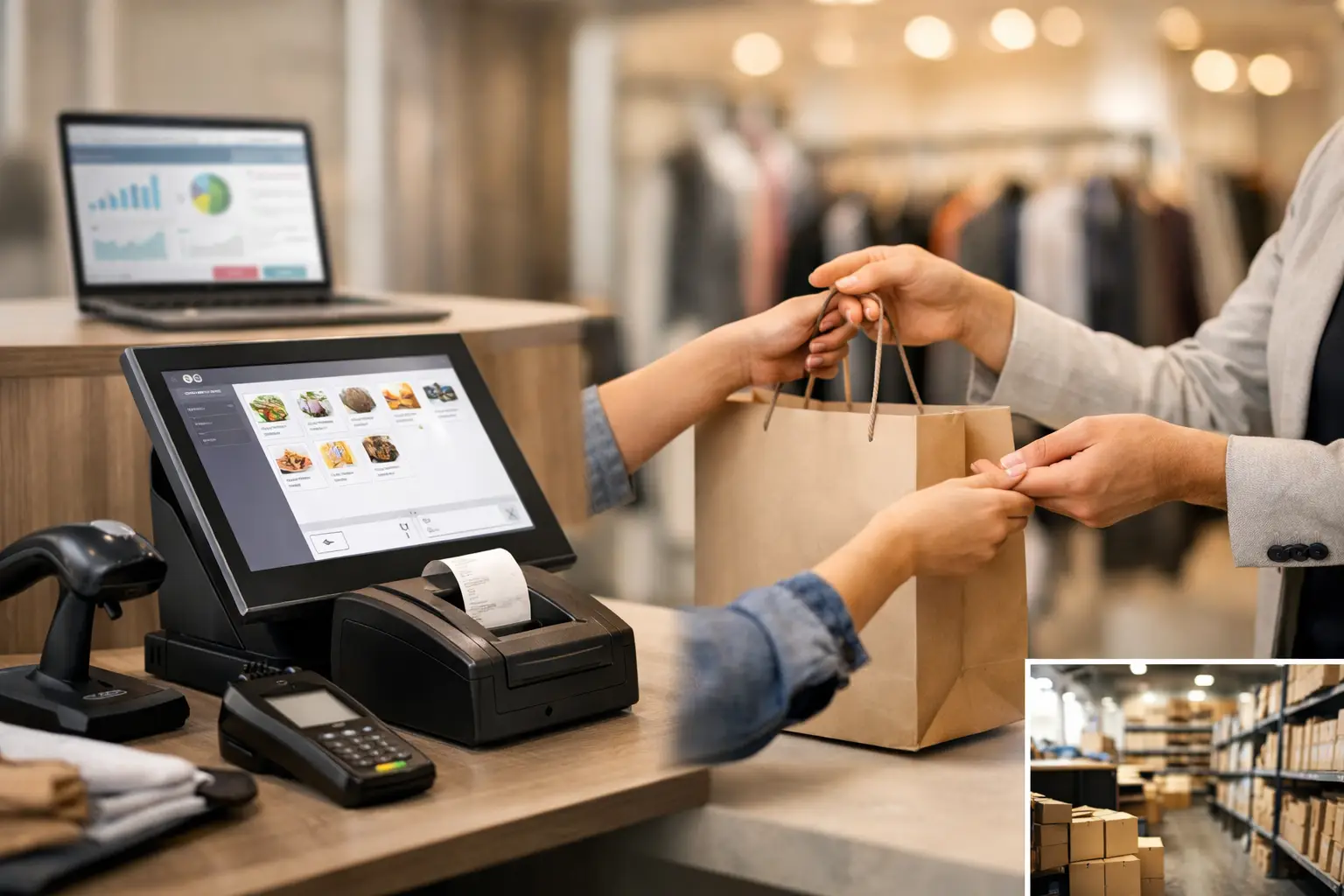
Odoo Point of Sale bridges front-end customer transactions with back-office enterprise operations. When an order is validated at checkout, items, quantities, discounts, tax configurations, and payment methods are captured immediately, automatically updating inventory balances, general ledgers, and executive sales analytics according to preset business workflows.
The core value lies not in aggregating data on a single screen, but in establishing a single source of truth. Operations directors gain real-time visibility into branch performance, finance managers monitor revenue and payment reconciliations, procurement teams reorder based on actual stock levels, and store managers track top-selling products without waiting for manual cashier logs.
However, the required level of system integration varies across organization types. A standalone retail store may only need straightforward setup for cash registers, stock levels, and tax rates. Conversely, a restaurant chain or multi-branch retail enterprise requires granular user permission rules, automated session posting, inter-branch transfers, hardware peripheral setups, and API-level integrations with payment gateways or e-commerce platforms.
Before You Begin: Map Your Operational Sales Cycle
A common implementation mistake is configuring POS software settings before documenting physical store workflows. It is not enough to ask sales staff for a list of products and prices. Project teams must map the full transaction lifecycle: Where is inventory sourced? How is it transferred to retail floors? Who holds the authority to grant price overrides? How are returns processed? When are cash tills balanced, and who reconciles variances?
During the GAP analysis phase, the enterprise must establish whether sales draw from local branch stock or a central warehouse, whether pricing follows uniform rates or branch-specific pricelists, and how pending or phone orders are handled. In the food and beverage sector, additional considerations include table management, order transfers between waiters, kitchen display system (KDS) routing, and meal modifiers. For B2B wholesale counter sales, priorities shift toward customer credit limits, multi-UoM sales, and linking POS transactions to corporate accounts.
Documenting these operational details ensures accurate functional configuration. Replicating standard settings from an unrelated business may work technically, but it fails to guarantee financial control or inventory discipline in your specific operational environment.
Step-by-Step Odoo POS Integration Implementation Guide
1. Establish Clean and Reliable Master Data
A POS system relies heavily on product master data quality. Item names, barcodes, units of measure (UoM), product categories, cost methods, inventory policies, and tax rules must be audited and cleansed prior to opening the first sales session.
It is equally important to define whether an item is a storable product, a service, or a consumable fee. Incorrect product classification leads to stock errors and cost accounting skew. When managing identical products across multiple branches, enforcing a standardized coding convention prevents duplicate entries under different names and ensures meaningful cross-branch performance comparisons.
2. Configure Branches, Warehouses, and Inventory Locations
Every retail store operates within a specific physical setup. A branch may have its own dedicated stockroom, specific shelf locations, or inventory assigned exclusively to a specific POS register. Odoo’s location hierarchy must reflect this physical reality so stock is deducted from the correct location and inter-branch transfers remain transparent.
If stock is managed centrally with rapid fulfillment to branches, setting automated reordering rules and safety thresholds becomes an integral part of the integration. If each branch operates independently, reporting must distinguish between total company inventory and site-specific stock levels. This structural distinction becomes vital as branch networks expand and catalog sizes grow.
3. Set Up Pricing Policies, Discounts, and Tax Rules
Store managers require commercial flexibility, but unmonitored flexibility can result in unauthorized discounts and margin erosion. Odoo allows project teams to configure dynamic pricelists, discount rules, and role-based user permissions. Governance rules must specify who can approve discounts, whether discounts require mandatory reason codes, and if prices vary by location or sales channel.
System configurations must also be tested for accurate Value Added Tax (VAT) calculations on sales, returns, and line-item discounts. In Saudi Arabia, configurations must comply with local tax regulations and ZATCA e-invoicing Phase 2 mandates where applicable. Financial settings must be reviewed with finance leaders rather than left to cashier discretion.
4. Integrate Payment Terminals and Financial Closing Workflows
Cash, MADA, credit cards, bank transfers, and digital wallets are more than payment buttons on a checkout screen; each payment method requires dedicated general ledger accounts, reconciliation workflows, and clear auditing routines. When connecting physical payment terminals or an online payment gateway, integration testing must cover approved transactions, declines, cancellations, refunds, offline modes, and retry scenarios.
A standardized end-of-day closing workflow must be enforced: Who counts physical cash? Who approves cash variances? How are shortages or overages logged? When are POS sessions posted to the general ledger? Disciplined daily closings streamline administrative effort, ensure reliable financial reporting, and prevent month-end accounting backlogs.
5. Hardware Peripheral Setup and User Interface Optimization
Cashier speed depends on physical hardware integration: barcode scanners, receipt printers, cash drawers, customer-facing displays, payment terminals, and stable local network connectivity. These hardware components should be tested together under live store conditions rather than in isolation.
Designing the POS interface involves arranging product categories, quick-action buttons, and screen layouts to optimize cashier speed. A high-volume restaurant requires a different interface layout than an electronics retailer or pharmacy. The goal is to minimize click paths and human error while retaining key security controls, such as manager overrides for order cancellations, manual discounts, or product returns.
Critical Scenarios for User Acceptance Testing (UAT)
Before launching live operations, conduct comprehensive User Acceptance Testing (UAT) covering realistic daily scenarios. Testing should extend beyond simple cash sales to include multi-tender split payments, partial and full customer returns, order cancellations, line-item discounts, out-of-stock overrides, inter-store transfers, shift handovers, register variances, and receipt printing.
For omnichannel retailers, test how POS transactions affect real-time stock availability on e-commerce channels or field sales apps. Furthermore, validate resulting financial journal entries with the accounting team to ensure accuracy in general ledgers and tax reports. Rigorous UAT identifies operational gaps before they impact end customers or financial statements.
Role-Based User Training and Change Management
Even with optimal technical design, an ERP implementation can stall if end users lack operational clarity. Cashiers require hands-on training for processing sales, handling returns, and closing sessions. Store managers need training on interpreting store analytics and handling operational exceptions. Inventory and accounting teams must understand where their workflows interface with POS data.
Effective training uses realistic store scenarios and concise Standard Operating Procedures (SOPs) rather than broad software overviews. Following go-live, edge-case questions and operational queries will inevitably surface. Having access to a structured helpdesk and continuous functional and technical support ensures operational issues are resolved systematically without resorting to manual off-system workarounds.
Measuring POS Integration Success
Evaluate project success by operational efficiency rather than the number of screens deployed. Key metrics include how quickly management can access trustworthy operational data without manual spreadsheet manipulation, session closing speeds, cash register variance frequency, inventory count accuracy, return processing cycle times, financial closing speed, and tax calculation accuracy.
As these performance indicators improve, Odoo transitions from a point-of-sale tool into a strategic engine for enterprise growth. Once core store operations stabilize, organizations can expand integration to e-commerce storefronts, customer loyalty programs, mobile shopping apps, third-party logistics carriers, or specialized kitchen management software.
Global Solutions executes Odoo POS integrations through an end-to-end implementation framework—combining business process mapping, module configuration, custom module development, system integrations, UAT testing, user training, and ongoing functional support. A practical first step is documenting current front-of-house sales workflows across all branches and translating them into quantifiable functional requirements before finalizing system configuration.