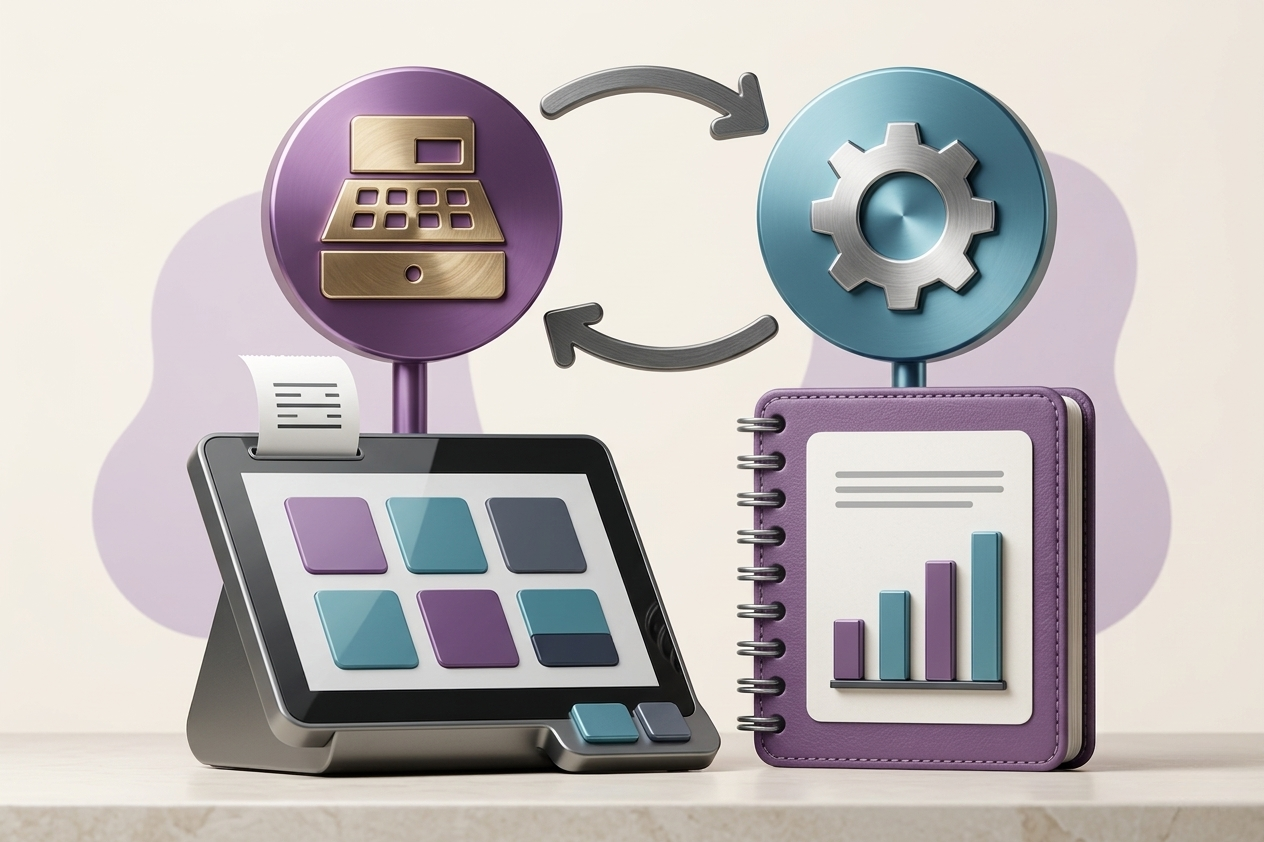
Whether you operate a single branch or a network of stores, you likely know the problem: the POS runs fast at the cashier, but everything after the sale slows down—manual accounting entries, inventory discrepancies, and reports you can’t fully trust until days later. This is where integrating Odoo with POS systems becomes an operational solution, not just a technical feature. The goal is not simply connecting two systems, but unifying the sales flow from barcode scan to accounting entry, with real-time inventory and decision-ready reports.
Why Odoo POS Integration Really Matters
POS systems are built for speed and cashier experience, while ERP systems focus on control and governance: accounting, inventory, purchasing, pricing, loyalty, and branch management. When POS operates separately, you pay the price daily—duplicate data entry, delayed closing, and difficulty tracking discrepancies.
Odoo POS integration changes that: sales become a single source of truth connected to operations. You no longer wait for weekly reports or rely on spreadsheets. However, integration varies—from simple daily summaries to deep operational integration at invoice and inventory level.
When to Use Odoo POS vs External POS Integration
Odoo POS is ideal for unified environments with full control over pricing, inventory, and data. It supports offline mode, cashier sessions, customer linkage, and fits many retail and restaurant scenarios.
However, external POS systems may be necessary due to existing investments, vendor contracts, or advanced restaurant features like kitchen screens. In such cases, integration preserves investments while leveraging Odoo for ERP capabilities.
What Should the Integration Achieve?
First, unified product catalog: SKUs, barcodes, categories, taxes, and variants must match across systems.
Second, near real-time inventory updates based on clear rules.
Third, clean accounting: whether aggregated entries or detailed postings depends on transaction volume and audit needs.
POS Is More Than Sales
Complexity lies in payments, discounts, returns, and fees. Each must be clearly mapped in Odoo for accurate reporting.
Data Design: Branches, Warehouses, and Cashiers
Multi-branch environments require proper structure: each branch linked to inventory, sessions, and financial responsibility.
Offline Mode: Useful but Risky
Offline transactions sync later, which can cause conflicts. Clear policies are required.
Restaurant Integrations
Restaurant workflows involve constant order changes. Only finalized transactions should be posted to Odoo.
Common Failure Points
Failures are usually operational, not technical: inconsistent product catalogs, unclear return handling, and weak accounting design.
Implementation Approach
Start with GAP analysis, test in one branch, then scale with training and monitoring.
Measuring Success
Success means faster closing, fewer discrepancies, and reliable reports—not just successful data transfer.
The Role of an Implementation Partner
A strong partner reduces risk through real operational experience and structured deployment.