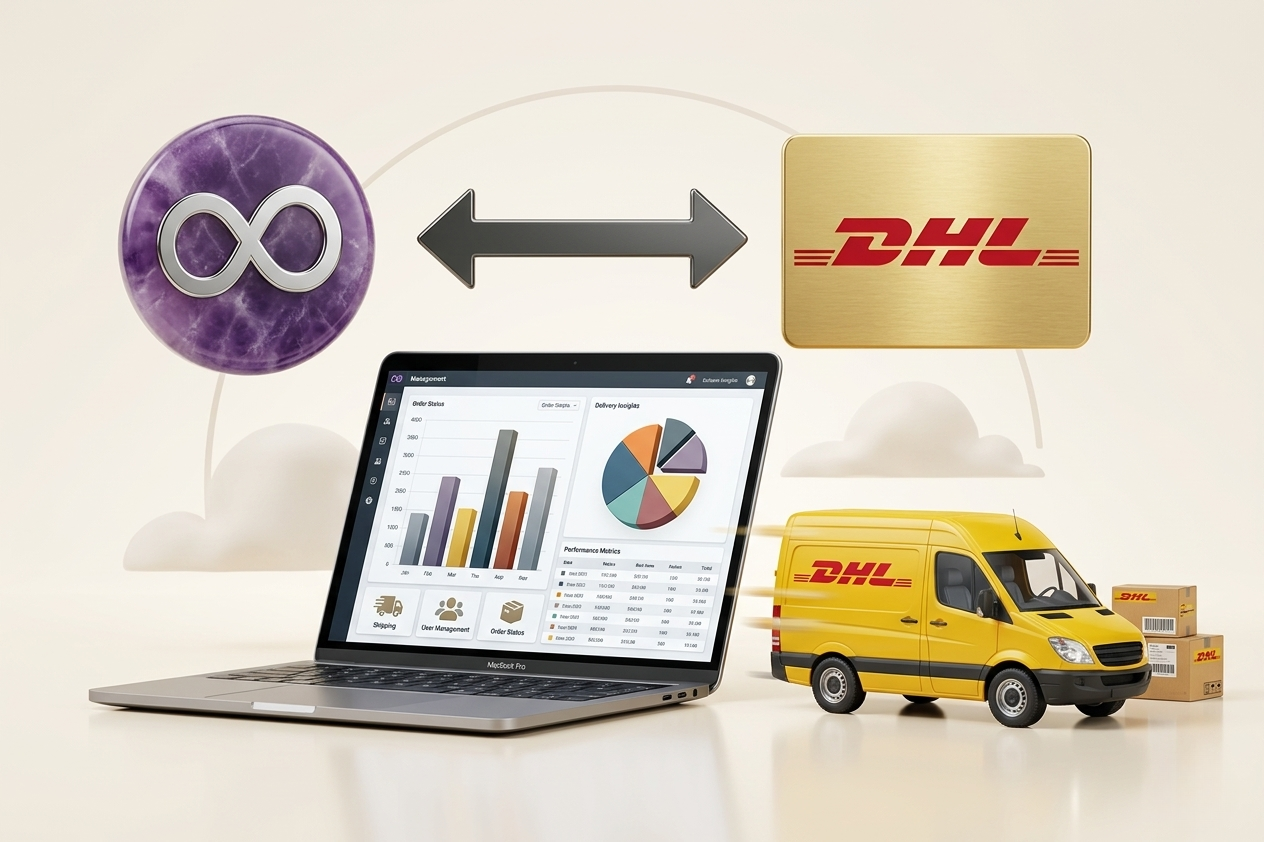
The biggest bottleneck in shipping is not inside the warehouse itself — it lies in the “gray zone” between order confirmation and when the package leaves the door. This is where copy-pasting begins: address from sales, weight from the warehouse, tracking from DHL, and then the customer service team asks for the tracking number. Integrating Odoo with DHL transforms this gray zone into structured steps within a single workflow, with unified data and auditable reporting.
Why Does Odoo Integration with DHL Really Matter?
When shipping is disconnected from the ERP, each team sees only part of the picture. Sales sees the order, the warehouse sees inventory movement, and customer service sees tracking messages, while management sees shipping costs that are delayed or poorly classified. Integration reconnects these pieces: the same record in Odoo holds the customer address, shipping method, shipment label, tracking number, and service cost.
The direct impact appears in three critical areas: reducing address errors (and therefore costly returns and re-routing), speeding up order fulfillment (as label creation and printing become a single step), and improving customer service quality (as shipment status becomes visible in real time within Odoo rather than relying on manual tracking).
Where Does the Integration Live Inside Odoo?
In practice, the integration touches multiple screens. It starts from sales when selecting the shipping method, moves to the warehouse during picking and packing, and ends in invoicing and financial analysis when shipping costs are recorded and compared against margins.
In eCommerce operations, it also connects to the checkout page and available shipping options for customers. In B2B, it may be linked to special pricing agreements or delivery terms depending on the region. The idea is not just “running an API” — it is designing a workflow that matches how your company handles shipping.
What Can Be Automated with DHL Inside Odoo?
Shipment Creation and Labels from Delivery Orders
Instead of manually entering shipment data into DHL’s system, shipping labels can be created directly from delivery orders in Odoo. Once weight, dimensions, and service type are confirmed, a tracking number is generated and the label is printed. This eliminates duplicate data entry and reduces formatting and spelling errors.
Shipping Cost Calculation and Customer Pricing
You may want to display shipping costs to customers (or include them in pricing). Integration allows fetching rates based on service (express, economy, international), weight, and destination. This depends on your business model — some companies prefer fixed pricing for simplicity, while others need dynamic pricing to protect margins.
Tracking and Status Notifications
A tracking number alone is not enough if it remains in an email. Proper integration displays shipment status inside Odoo — received, in transit, out for delivery, delivered, or failed delivery. This reduces support tickets and enables customer service teams to work with real-time data.
Returns Handling (Reverse Logistics)
Returns are no longer exceptions in modern commerce — they must become structured processes. Integration allows managing return requests, generating return labels, tracking return shipments, and updating inventory accordingly. This ensures items are not lost between customer service and warehouse operations.
Address Data in Saudi Arabia: The Details That Matter
Many shipping issues in Saudi Arabia come from incomplete or inconsistent addresses. Having an “address” in Odoo does not mean it is ready for shipping. Address fields, validation rules, and input standards must be properly configured.
City, district, postal code, building number, and phone number should be treated as operational data, not free text. The more standardized the data in Odoo, the more stable the DHL integration becomes.
What Do You Need Before Starting?
First decision: Do you want integration only at the warehouse level, or across the entire order journey? Some companies start with warehouse integration, but if challenges exist at checkout or across multiple channels, a full journey design is better.
Second decision: What are your shipping rules? Free shipping thresholds, SLA commitments, service selection rules — these must be configured inside Odoo to avoid manual decision-making outside the system.
Common Implementation Scenarios
In multi-channel retail, the challenge is unifying shipping across eCommerce, POS, and manual orders. In B2B, the complexity often lies in split shipments. In international shipping, additional requirements such as customs documentation arise.
Measurable Success Metrics in Odoo
After integration, you can measure shipment preparation time, address correction rates, label reprints, and failed delivery attempts. Financially, comparing shipping costs against margins becomes clearer.
Common Mistakes in DHL Integration
One mistake is assuming integration is complete once tracking numbers appear. Another is ignoring exceptions such as failed label printing. A third is lack of user training.
How to Implement DHL Integration Properly?
Successful implementation starts with a focused gap analysis on the order journey. Then workflows are designed, followed by configuration or development, and finally testing real scenarios.
The goal is not just integration — it is operational discipline where data flows seamlessly from sales to warehouse to shipping to finance.