The biggest bottleneck in shipping operations is not negotiating carrier rates — it’s “copy and paste.” The sales team confirms the order, the warehouse prepares it, then the shipping staff re-enters the address, weight, and service into the carrier’s portal. After that, the team searches for the tracking number, manually adds it to the order, and sends it to the customer. This pattern repeats dozens or hundreds of times daily, leading to costly errors: incomplete addresses, incorrect weights, unsuitable shipping services, or delayed customer notifications.
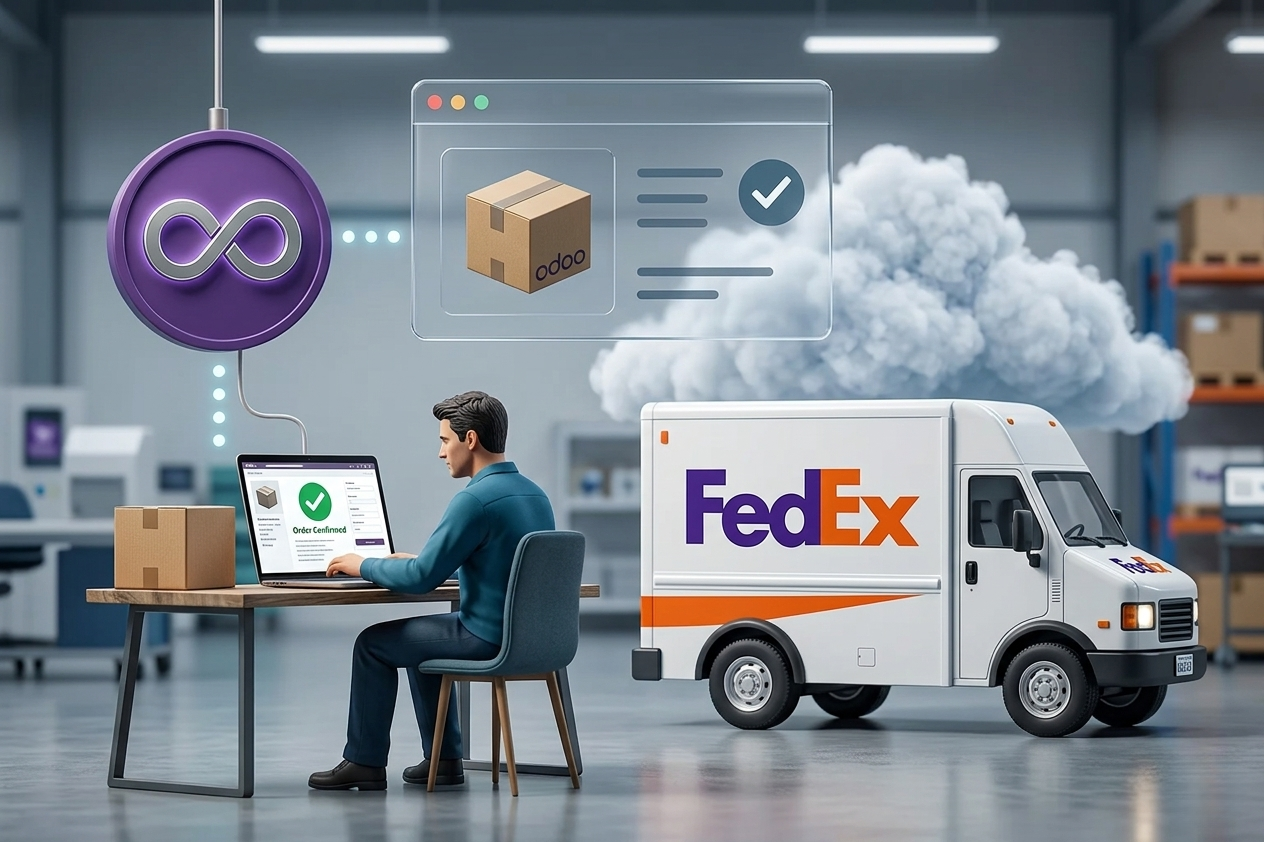
Integrating Odoo with FedEx for shipping and tracking addresses this loop directly: create the shipment from within Odoo, print the shipping label, automatically record the tracking number, and update the status until delivery — all within the same workflow used by sales, warehouse, and customer service teams. The value here is not just “technical integration,” but structuring a complete process from order to delivery with measurable visibility.
Why Integrating Odoo with FedEx Makes a Difference in Operations
When shipping becomes part of the Odoo workflow, manual entry points decrease, data accuracy improves, and customer service becomes faster because everything is available on the order or delivery screen.
The difference appears in three operational areas. First, warehouse speed: the label is printed from the delivery screen after confirming weights and dimensions, without switching systems. Second, customer experience: the tracking number is automatically sent with the shipping notification, and status updates appear without manual follow-up. Third, financial control: if your company recovers shipping costs or assigns them to cost centers, having shipment data in Odoo simplifies invoicing, analysis, and month-end closing.
However, success depends on data quality and clear ownership of the “source of truth” — whether weight and dimensions come from product data or actual packing. This decision directly affects pricing accuracy and invoice discrepancies.
Where the Integration Fits Inside Odoo
Practically, the integration touches three main areas within Odoo.
In sales, orders require accurate shipping addresses and defined shipping methods or selection rules. In inventory, delivery orders are where shipments are created and labels requested. In accounting, shipping costs can be added as a service, included in sales pricing, or recorded as expenses depending on your policy.
If your company operates multiple warehouses or shipping locations, the integration must support multiple shipper profiles. Otherwise, billing and compliance issues with FedEx may arise.
Requirements Before Starting — To Avoid Patchwork
Before any technical setup, review these points to ensure success from day one.
FedEx Account and API Access
You need an active FedEx account, API credentials, and preferably a testing environment. Start with one end-to-end flow before scaling.
Address Data in Odoo
Addresses are the main cause of failures. Ensure customer records include city, district, postal code, and phone number in the correct format, with clear separation between billing and shipping addresses.
Weights, Dimensions, and Units
FedEx relies on actual or volumetric weight. Without consistent units and product weights, accurate shipping cost estimation becomes impossible.
Label Printing and Warehouse Setup
Decide early whether you’ll use A4 or thermal labels and how many packing stations you have, as this affects workflow design.
Steps to Integrate Odoo with FedEx (Practically)
1) Define FedEx as a Carrier in Odoo
Configure FedEx as a shipping method with account details and service types (Express, Ground, International). Set currency, weight units, and packaging defaults.
2) Automate Service Selection
Define rules based on region, weight, or order value. Decide whether your priority is lowest cost or guaranteed delivery time.
3) Create Shipment from Delivery Order
After confirming quantities, generate the shipment. Ensure support for multiple packages if needed.
4) Print Label and Record Tracking Number
The label and tracking number are returned automatically. Ensure visibility for all teams and define printing permissions.
5) Track and Update Status in Odoo
Shipment status updates should appear inside Odoo, helping customer service respond faster. Focus on key statuses: picked up, in transit, delivery attempt, delivered.
6) Handle Cancellations and Exceptions
The process must support cancellations, reprints, and changes with proper logging.
Common Mistakes in Shipping Projects
The most common issues are not technical failures, but poor design decisions.
Treating weight as a simple field, ignoring multiple shipping locations, and failing to standardize addresses are frequent problems. Another mistake is not defining KPIs such as preparation time, address error rate, or customer inquiries.
Governance and Security
Shipping data includes sensitive information. Control permissions, manage credentials securely, and define data retention policies.
Choosing the Right Implementation Approach
For simple operations, standard setup may suffice. For complex environments, customization and GAP analysis are often required to align with real workflows.
What to Target After Go-Live
Set measurable goals such as reducing preparation time, minimizing address errors, and increasing automation rate. The real value is not integration itself, but full process control.