The most exhausting part for e-commerce operations teams is not having more orders — it is duplicating work around the same order: an order comes from Amazon, then someone manually enters it into the ERP, then inventory is updated in an Excel file, then shipment tracking is followed in another system. The result is address errors, inventory mismatches, slower fulfillment, and ultimately lower ratings and higher operating costs.
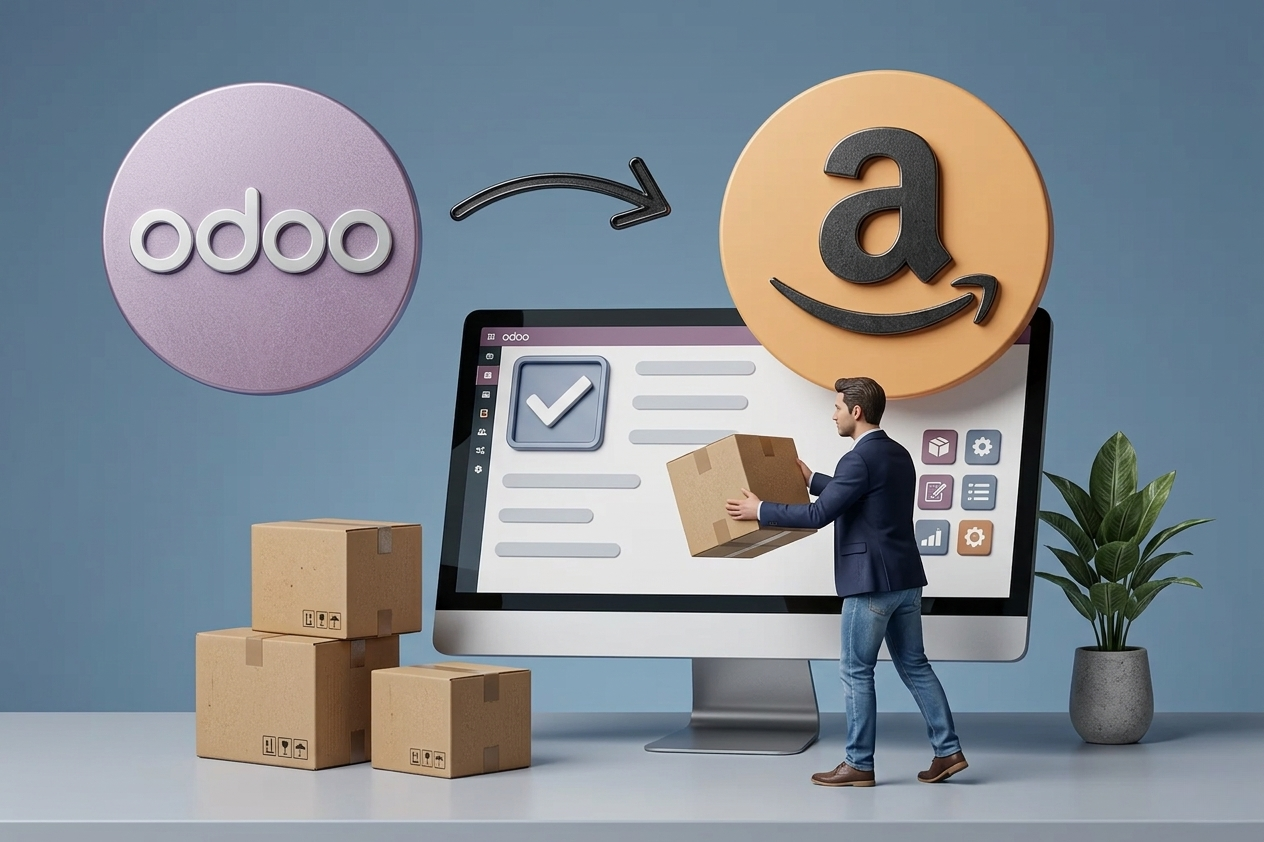
Integrating Odoo with Amazon for order management turns this into one measurable flow: orders import automatically, inventory updates, invoices are prepared based on your rules, and shipments are tracked from the same control panel. But success here is not just “integration” — success is an integration aligned with your workflow, designed for exceptions, real inventory behavior, and the realities of finance and operations teams.
What Does Integrating Odoo with Amazon for Order Management Actually Mean?
A successful connection is not a single switch. It is a set of rules and data flows linking a sales channel (Amazon) to the operational core in Odoo: sales, inventory, purchasing, accounting, and shipping options. The objective is for Amazon to act as an order intake channel, while Odoo remains the system of record for products, inventory, and financials.
In practice, the integration typically covers three sensitive areas: importing orders and statuses, syncing products/inventory/pricing, and linking fulfillment (picking, packing, shipping) with invoicing and settlements. Some businesses only need order import, while others need a full cycle including returns, RMA, and Amazon fee settlements.
When Does Integration Become “Required” and Not Just an Extra Improvement?
If you operate more than one warehouse, sell through multiple channels, or have a finance team that wants a clean month-end close without surprises, integration is no longer optional. You will recognize this when symptoms appear such as “inventory is available on Amazon but not actually in stock,” “orders are delayed because of manual entry,” or “profit margins are unclear after Amazon fees.”
On the other hand, if you are extremely early-stage with a limited number of orders, a temporary approach such as periodic imports may be sufficient. But it should be a time-bound decision, because the cost of errors grows faster than the team.
What Should Flow Between Amazon and Odoo?
In serious projects, defining the data scope matters more than choosing the integration tool itself. The common objective is to bring Amazon orders into Odoo as sales orders with customer details, shipping address, pricing, taxes, and shipping charges — then convert them into inventory operations, shipping, and invoicing.
At the same time, you need clear logic for syncing SKU, barcodes, and units of measure, and for mapping Amazon listings to Odoo products without duplication. Many integration failures come from small mismatches: an Amazon SKU matches a variant in Odoo, or an Amazon product is a bundle while in Odoo it is represented by a BOM (kit).
For inventory, the question is not “do we send stock to Amazon?” but “which stock do we send?” Is it the available quantity after reserving B2B orders? Do we exclude branch stock? Do we apply safety stock? These operational decisions must become rules in Odoo and then be transmitted correctly.
Designing the Flow: From Order to Collection
To succeed, design the process as one clear journey — and then handle exceptions deliberately.
First: the order. When the order comes from Amazon into Odoo, you need accurate mapping: payment status, shipping method, tax rules, coupons/discounts, and Amazon fees (if available). This is the difference between “importing an order” and “creating an order that can actually be processed.”
Second: fulfillment. Inside Odoo, the order must generate deliveries based on the correct warehouse and a suitable reservation policy. If you have two or more warehouses, you need routing rules (routes) or warehouse selection by region/stock. Otherwise, the integration will import orders but leave the team arguing: which warehouse ships this?
Third: invoicing and settlements. Many companies integrate orders and forget finance. Amazon includes fees, commissions, and periodic settlements, and there can be a difference between what the customer paid and what is actually settled. The accounting approach depends on your model: do you want an invoice per order, or do you recognize gross sales and settle Amazon fees in a separate entry? It depends on volume, reporting requirements, and your period-close approach.
Integration Options: Ready-Made, Custom, or Hybrid
There is no single correct option for every business. Typically, there are three approaches:
Ready-made connector (inside Odoo or as an add-on): faster to launch and suitable when requirements are standard. However, it may force a workflow that does not match your reality — such as fixed tax mapping or ignoring bundle scenarios.
Custom integration: suitable when you have complex rules — multiple warehouses, custom pricing/discount logic in Odoo, or financial reporting that must reflect Amazon fees by transaction type. Development cost is higher, but control is stronger and manual workarounds are reduced.
Hybrid approach: start with a connector and build custom layers around pain points. This is common because it balances speed with control — as long as it does not become undocumented patchwork.
Common Risks and How to Address Them Early
The most painful issue is duplicate or missing orders due to timing differences or retries. The solution is not “monitoring only,” but building clear idempotency rules: each Amazon order has a unique identifier used in Odoo to prevent duplication, with a synchronization log that can be traced.
Inventory is another sensitive area. Sending incorrect stock to Amazon increases cancellations. You need a clear inventory policy: do we send only truly available stock, do we deduct orders in processing, what about returns pending inspection? These are operational decisions, not just technical ones.
Taxes and invoicing matter as well. If you operate in Saudi Arabia, VAT and accounting require consistency in tax coding and postings. Any integration that ignores finance may look good in the order dashboard but creates month-end chaos for accounting.
How to Prepare Odoo Before Integration
Before connecting anything, ensure your product data in Odoo is clean: SKU, barcodes, categories, taxes, and units of measure. Then validate warehouse policy: storage locations, picking methods, and reservation rules. Integration pushes data daily — if the foundation is weak, errors will multiply quickly.
Next, define operational statuses inside Odoo: when to create a delivery, when to create an invoice, who approves returns, whether credit limits apply, and how exceptions are handled. Even if Amazon orders are prepaid, governance prevents chaos as volumes grow.
A Practical 4-Phase Implementation Plan (Without Overstretching Your Project)
Phase 1: a short GAP analysis focused on the “order journey” — from Amazon to delivery to accounting entries. The objective is to define what should be automated, what remains manual, and why.
Phase 2: mapping setup and exception rules. This is where decisions are made on shipping methods, product variants, and how commissions/settlements are represented.
Phase 3: build and testing. Do not test with one order only. Test discounted orders, multi-item orders, orders to different cities, and cases including cancellation or modification. Real testing is in exceptions, not in the easy path.
Phase 4: go-live and monitored operations. The first two weeks matter for reviewing the sync log, tuning performance, and adjusting rules that only appear under real load. This is where training becomes essential: operations teams need clear steps for what to do if one order fails or inventory update is delayed.
What You Gain After Integration: Measurable Operational Benefits
When the Odoo-Amazon integration is built around your workflow, you will see tangible improvements: order fulfillment time decreases because manual entry disappears, inventory accuracy improves because reservation and updates are unified, and profitability reporting becomes closer to reality because fees and settlements are handled consistently.
More importantly, management gets one view: Amazon sales inside the same control panel as other channels, and inventory managed as a controlled asset instead of a moving number inside a separate marketplace. This simplifies replenishment decisions, warehouse stock allocation, and identifying products worth increased marketing investment.
When Do You Need an Implementation Partner Instead of “Installing an Add-On”?
If multiple departments are impacted — operations, finance, inventory, and customer service — this is not only a technical matter. You need a team that understands Odoo as an ERP and translates requirements into configuration, controlled customization, testing, and training — with support after go-live.
This is often the difference between a demo that works and a solution that runs for one or two years without accumulating operational debt. If you want end-to-end delivery with integrations, data preparation, training, and ongoing operational support, Global Solutions can deliver that through a structured Implementation, Integrations, Training & Support path — keeping Odoo as the control center and sales channels as intake sources.
A Small Decision That Changes How You Scale
A successful integration is not only about “reducing work.” It is about making growth less expensive and less stressful. When orders flow from Amazon to Odoo based on your rules, you do not only eliminate manual entry — you build scalable operations: the same team handles higher volume, the same data supports reporting and decisions, and the same system can absorb a new channel without reinventing everything.
If you start today by clearly defining your order workflow, you will discover that the hardest part of the project is not the API — it is agreeing on how your company should operate when order volume increases tomorrow.